One app. One connected safety network.

Powerful features built to protect every moment

TrackSOS combines one-tap emergency alerts, live family tracking, incident reporting, nearby help and 24/7 human support in a single, easy-to-use platform.

24/7Control room support
< 45 secIllustrative alert handling target
9 provincesSouth African coverage design
POPIAPrivacy-conscious workflows
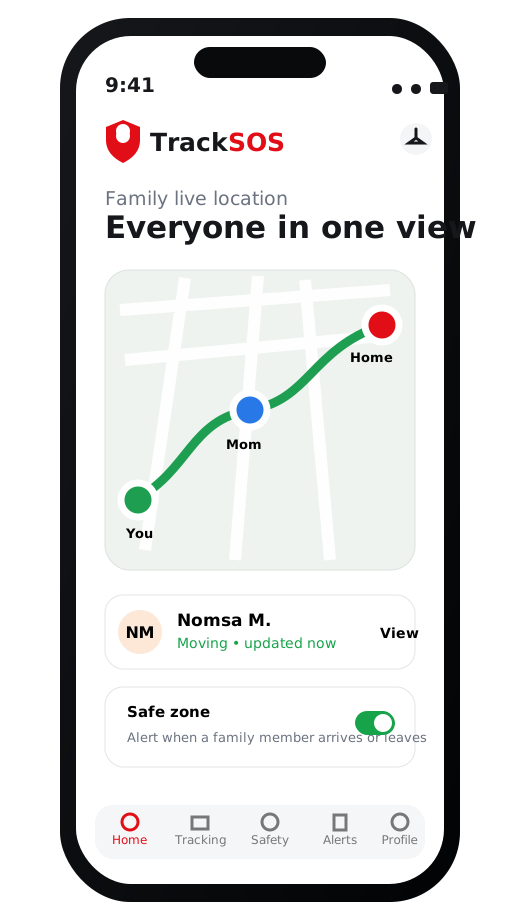
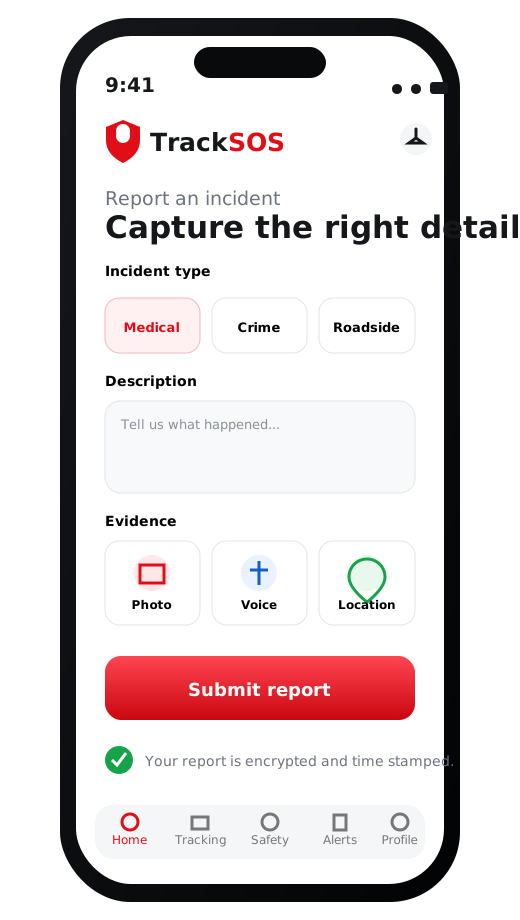
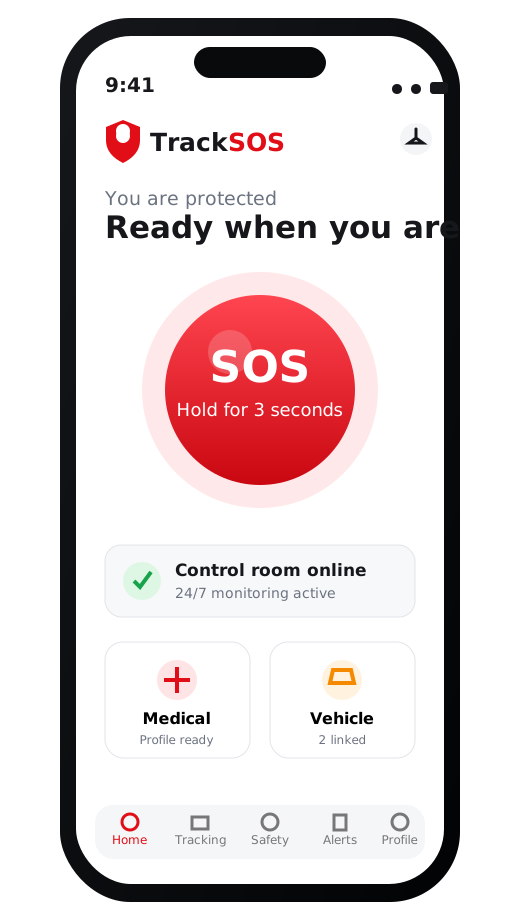
TrackSOS family live location screen TrackSOS SOS panic screen TrackSOS incident report screen Live location sharing Secure incident evidence Human response support

Complete protection toolkit

Everything members need in one organised app

Every feature has a clear purpose, a simple action and a visible status so members always know what is happening.

01

Panic button and SOS

Press and hold to send an emergency alert with your live location and available safety profile information.

  • Fast, simple emergency action
  • Location sent with the alert
  • Control-room status updates
  • Trusted contacts can be notified
TrackSOS SOS phone preview
02

Live tracking and family safety

Live

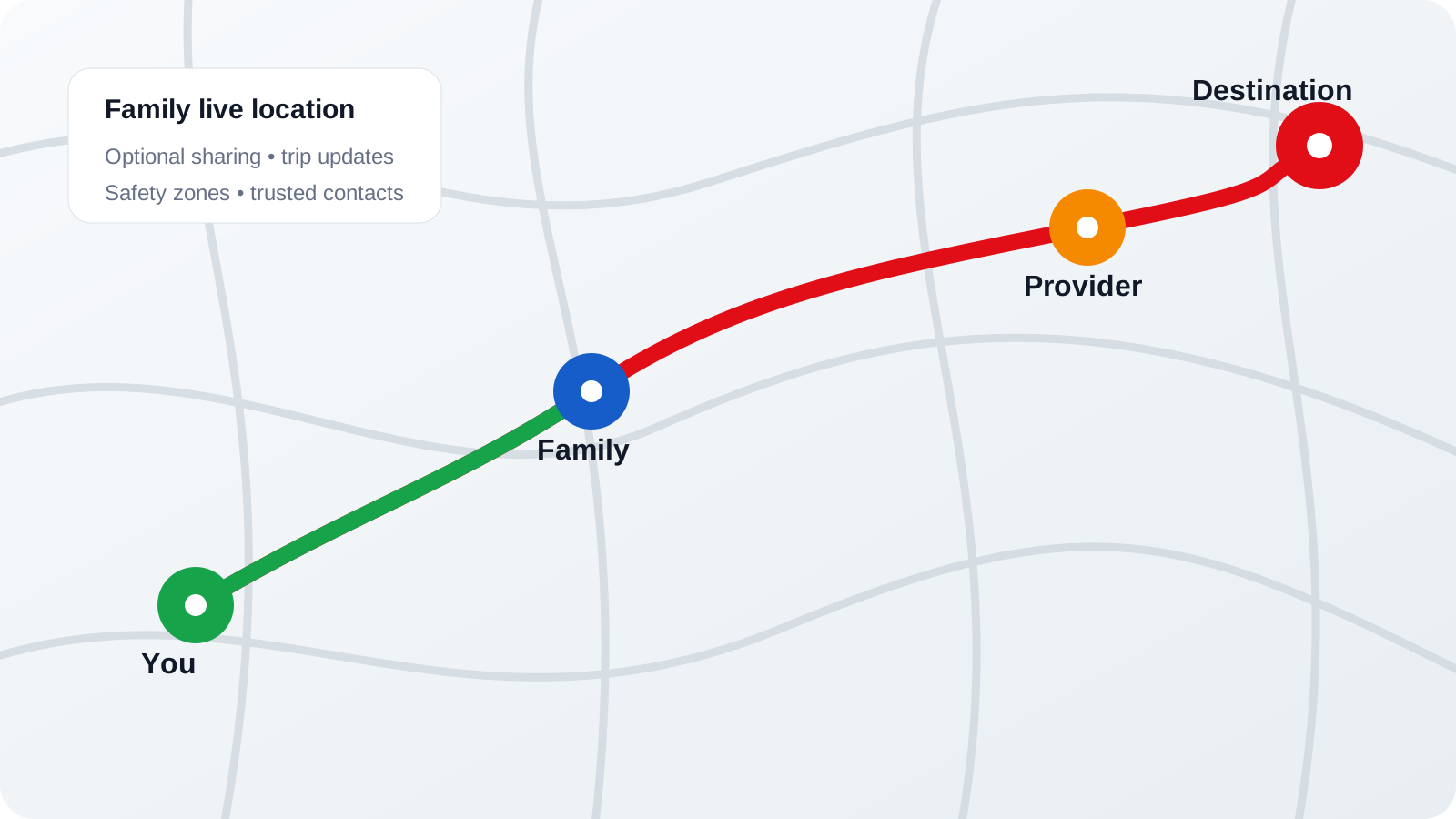
Share selected trips, monitor family members who opt in and receive zone or arrival updates.

TrackSOS family live tracking map
YouFamilyProviderAlert

Medical profile

Store medical aid, allergies, medication, blood type and doctor contacts for emergency use.

Medical aidAllergiesDoctor

Vehicle records

Keep number plates, vehicle descriptions and photos ready for roadside or stolen-vehicle incidents.

Quick accessduring an active case

Emergency contacts

Create a trusted safety circle and choose who receives location and incident updates.

NMJMSD+2

Smart notifications

Receive clear updates for check-ins, route changes, family zones, provider arrival and case progress.

Provider en routeFamily arrived safelyIncident updated

See the app in action

Four core journeys shown on the phone

Large, readable previews help members understand exactly what they will see before they sign up.

SOS feature on phone
Emergency response

Send an SOS in seconds

A focused emergency screen reduces confusion and shows whether the alert was received.

  • Hold-to-activate protection
  • Medical and vehicle data ready
  • Control room availability shown
Family location feature on phone
Family connection

Track selected family trips

Members decide when to share and can see live status, safe zones and last update times.

  • Opt-in sharing controls
  • Arrival and departure alerts
  • Multiple trusted viewers
Incident reporting on phone
Incident and crime reports

Capture useful evidence

Submit the category, description, location, photos and voice notes without relying on memory later.

  • Automatic time and location
  • Photos, voice and written notes
  • Visible report status timeline
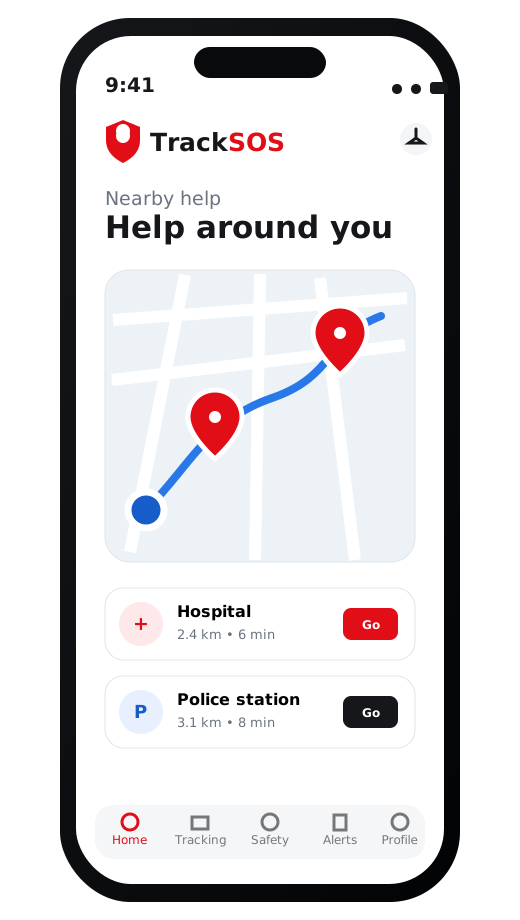
Nearby help feature on phone
Nearby services

Find help around you

See nearby service categories and open directions when local map data and coverage are available.

  • Police and medical services
  • Roadside and fuel locations
  • Participating provider visibility

Incident and crime reporting

Build a clear digital record from the first minute

TrackSOS organises the important details so members can explain what happened, where it happened and what evidence is available.

Incident report feature preview

Four simple reporting steps

  1. Choose the incident typeCrime, medical, roadside, safety threat or another supported category.
  2. Add the location and detailsCapture what happened and whether immediate assistance is needed.
  3. Attach supporting evidenceAdd photos, voice notes or identifying information where safe to do so.
  4. Follow the case timelineSee when the report is reviewed, assigned, updated or resolved.

Evidence ready

Time, location and attachments remain grouped with the incident record.

Privacy controls

Only authorised people and systems should access sensitive incident information.

Visible progress

Members can see key status changes instead of wondering what happened next.

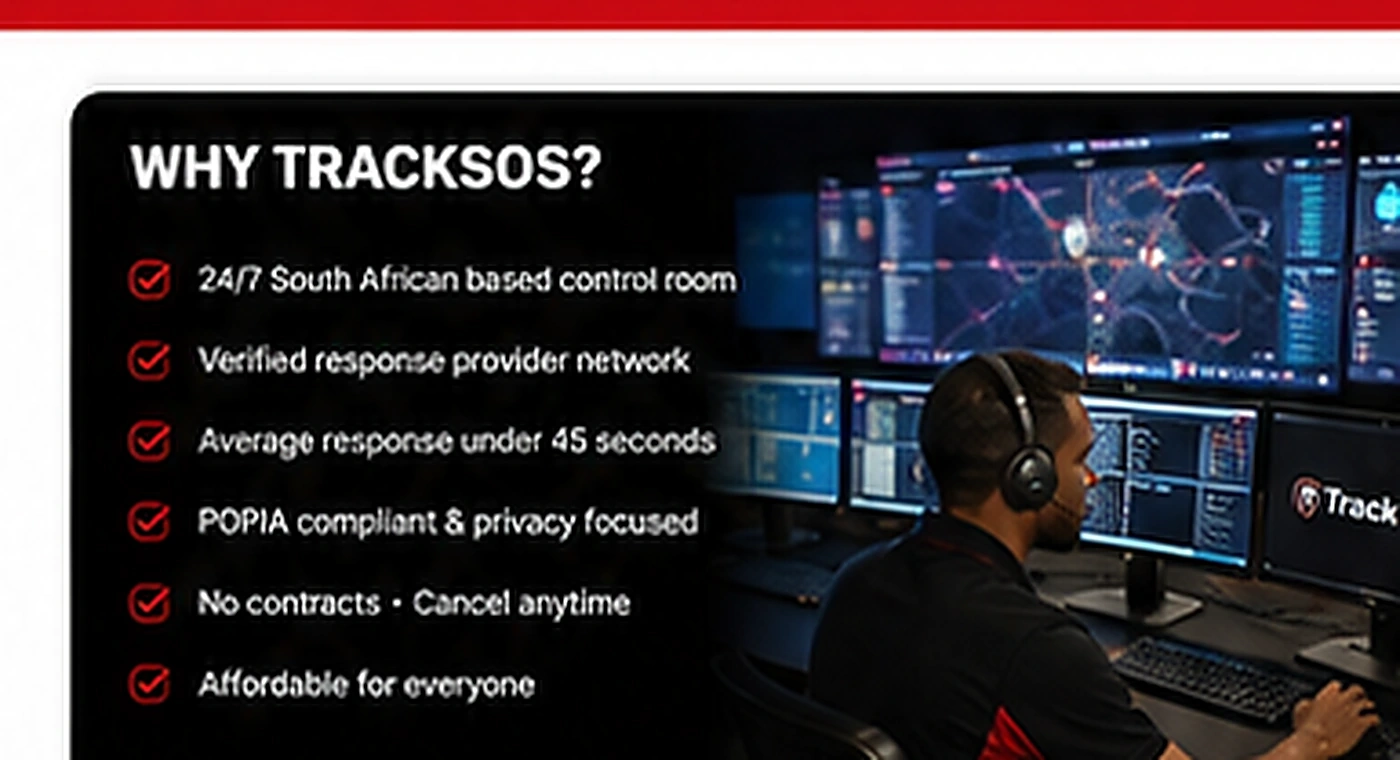
Human support behind the technology

One connected view for alerts, locations and responders

The control-room concept brings live alerts, member details, provider availability and incident progress into one coordinated workflow.

  • Verify the alert and location
  • Review available medical and vehicle details
  • Coordinate the appropriate provider
  • Share progress updates with the member
  • Record the incident outcome
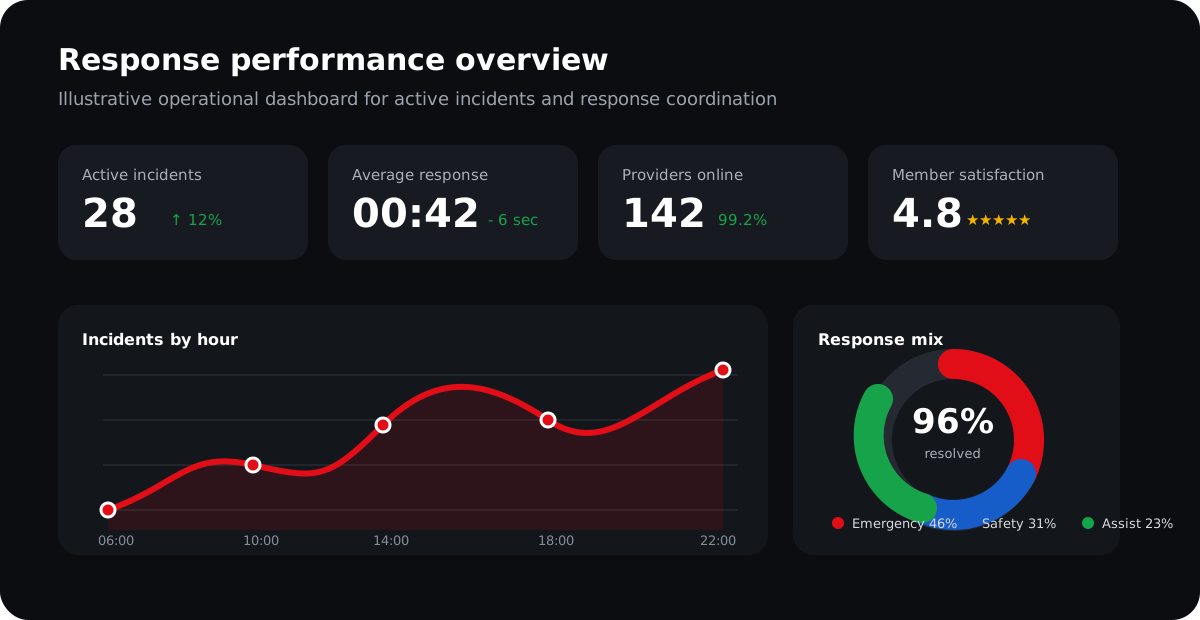
See the response journey
TrackSOS control room operatorsTrackSOS response analytics illustration

Maps, zones and nearby services

Useful location tools before and during an emergency

Map-based features are arranged into clear blocks so members can understand what is nearby and what is happening around them.

Family live location

See selected family members and route progress

Family live location map
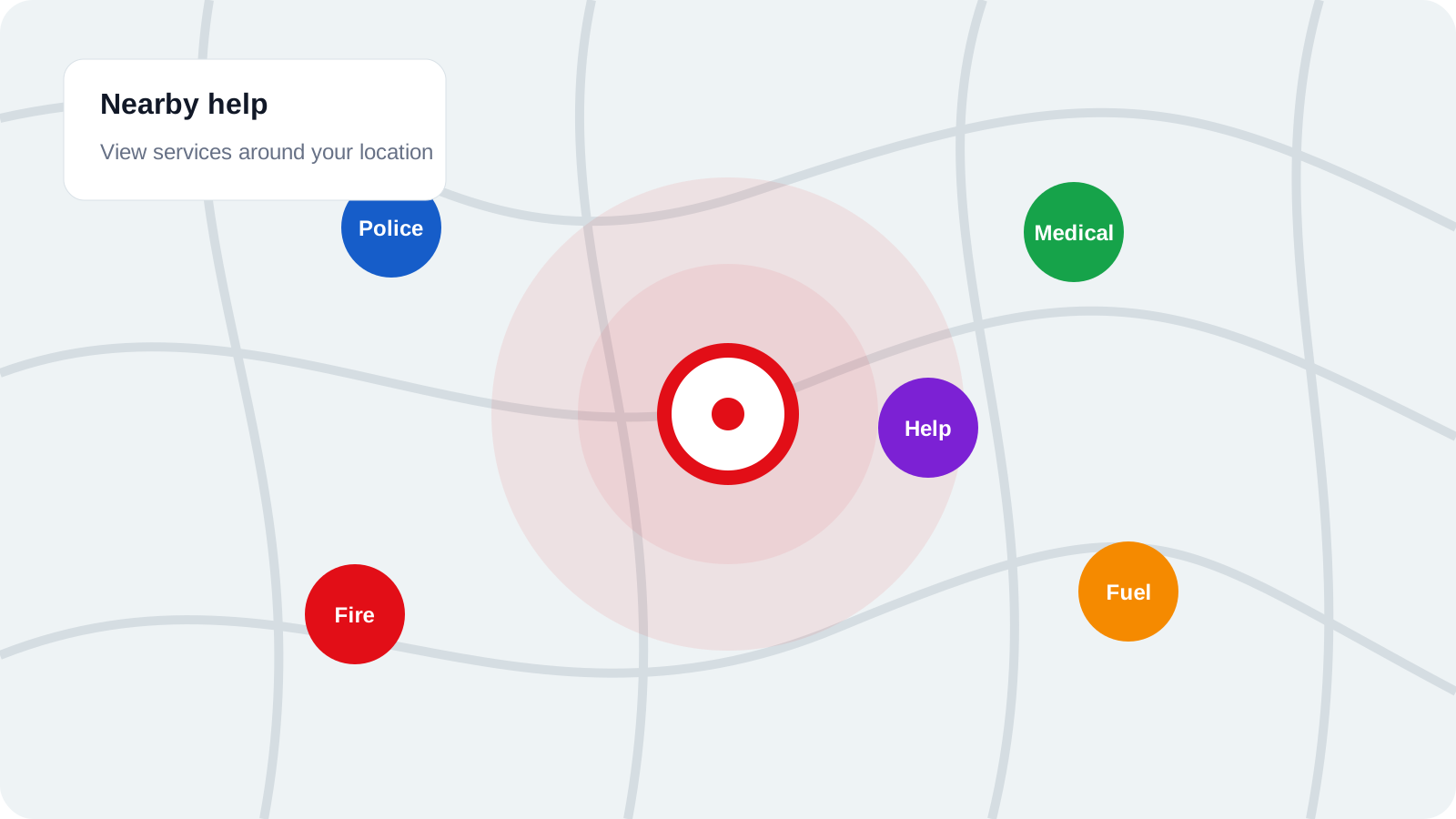
Nearby help

Services and participating providers

Nearby help map
  • Police and medical
  • Fire and roadside
  • Fuel and selected providers
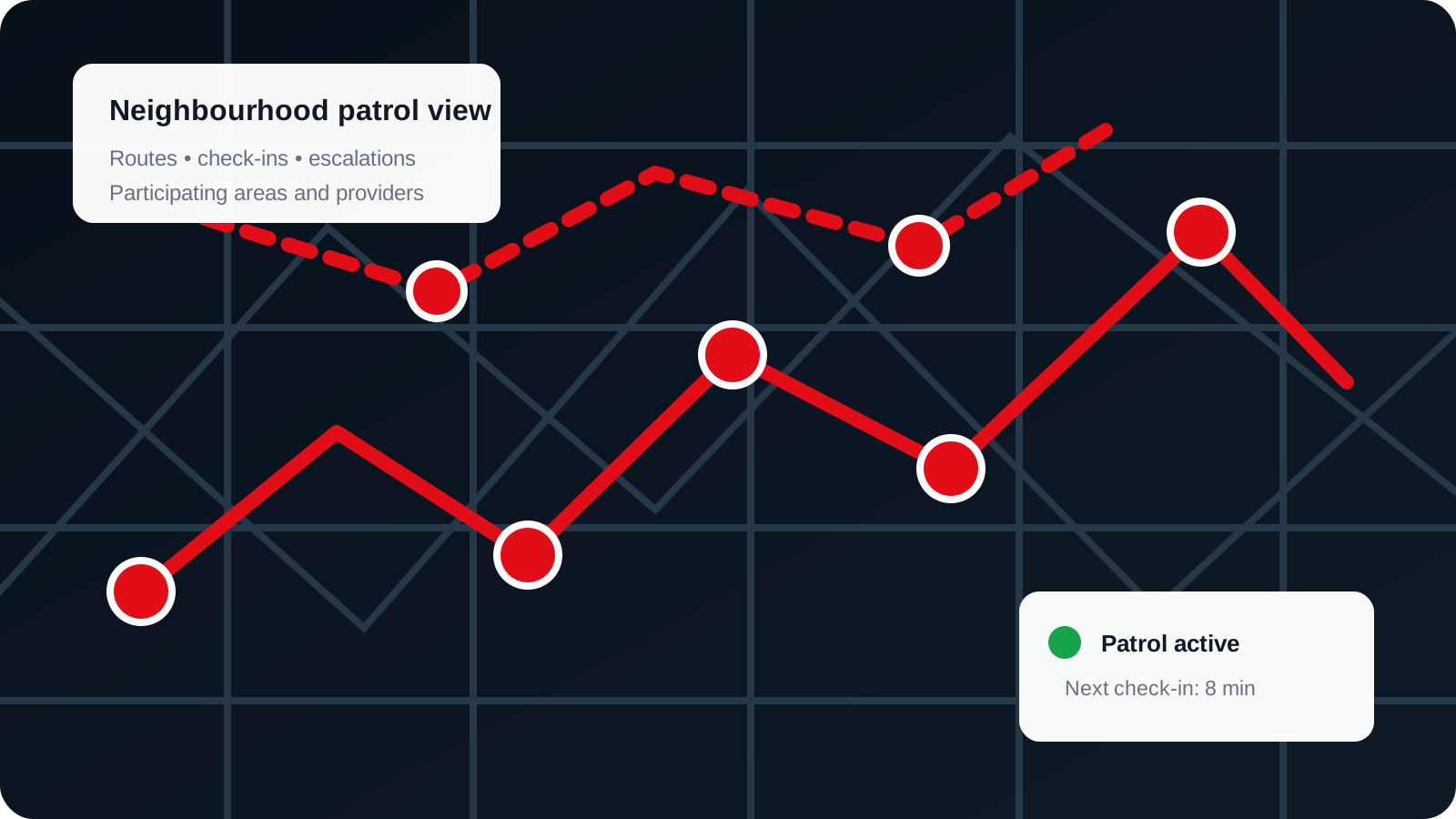
Neighbourhood patrols

Patrol routes, zones and check-ins

Neighbourhood patrol map
  • Patrol route visibility
  • Zone-based alerts
  • Escalation to response teams

Feature value at a glance

Designed for prevention, response and follow-up

TrackSOS is more useful because the features work together instead of existing as isolated tools.

Faster action

One clear emergency action reduces the number of steps required when a member is under pressure.

Designed for quick activation

Better visibility

Live location, route progress and timestamps help everyone work from the same current information.

Location-aware workflows

Connected people

Members, trusted contacts, control-room operators and providers receive the information relevant to their role.

Role-based coordination

Privacy and control

Sharing controls, role permissions and secure records support responsible handling of personal information.

POPIA-conscious design

Plan feature comparison

Choose the level of protection that fits

View full pricing →
FeaturePersonalFamilyProvider
Panic button and SOS
Live location tracking
Incident and crime reporting
Medical and vehicle profiles
Family group management
Multiple user administrationLimited
Provider dispatch dashboard
Analytics and reporting

Frequently asked questions

Understand the features before you sign up

Clear answers help members choose the right plan and set realistic expectations about coverage and location services.

Press and hold the SOS button to reduce accidental triggers. The app sends the alert and available location information into the TrackSOS response workflow.
Routine location sharing should be opt-in. Members can choose when and with whom a trip or family location is shared.
Yes. The reporting flow is designed to support photos, written notes, voice notes and location information where available.
Nearby results depend on map data, permissions, internet access and participating service coverage in the current area.
Access should be role-based and limited to authorised people involved in the relevant safety or emergency workflow.