
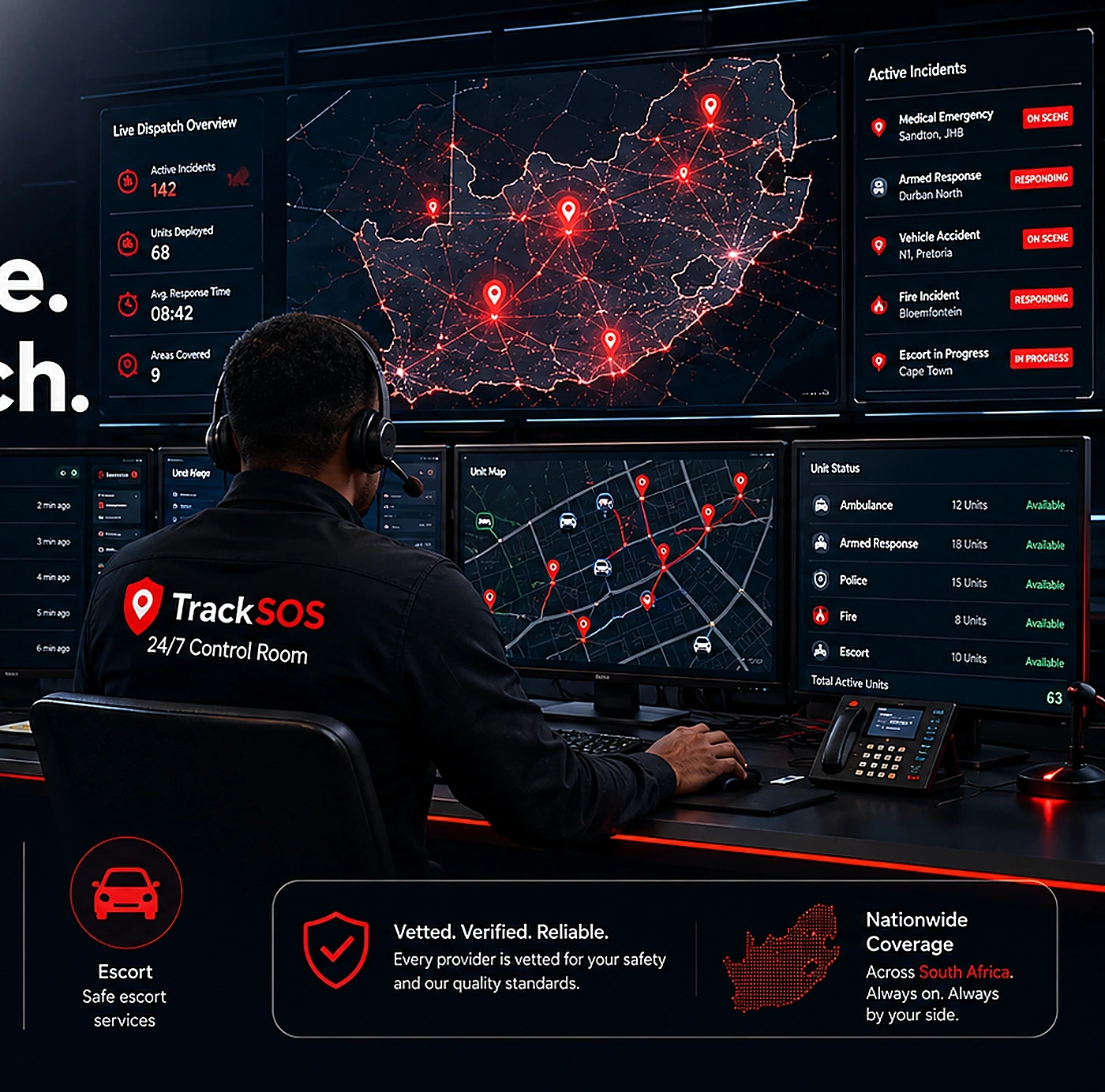
From preparation to help arriving
Your safety journey, shown step by step
See how the member, control room and trusted providers work together—from profile setup and alert verification to dispatch, live updates and incident closure.
1. PrepareComplete your profile
2. TriggerStart SOS or a service
3. CoordinateVerify and dispatch
4. ResolveTrack help and follow up
1AlertMember requests help
2VerifyLocation and details checked
3AssessUrgency reviewed
4DispatchProvider assigned
5UpdateMember informed
Live response timeline
Track verification, dispatch, provider progress and final follow-up.
The user journey
Each stage is explained with practical detail
The layout mirrors the Features page with dense, conversion-friendly sections that help visitors understand what will happen when they use the platform.
1
Sign up and activate
Create your account and choose the plan that suits your household or organisation.
- Registration and verification
- Plan and payment setup
- Portal access
2
Build your profile
Complete the details that make future support faster and more accurate.
- Emergency contacts
- Medical details
- Vehicle records
3
Use safety tools
Start a live share, report an incident, check nearby help or trigger SOS.
- SOS and alerts
- Family tracking
- Incident capture
4
Receive support
Track updates, provider movement and control-room communication.
- Dispatch updates
- Route visibility
- Case follow-up
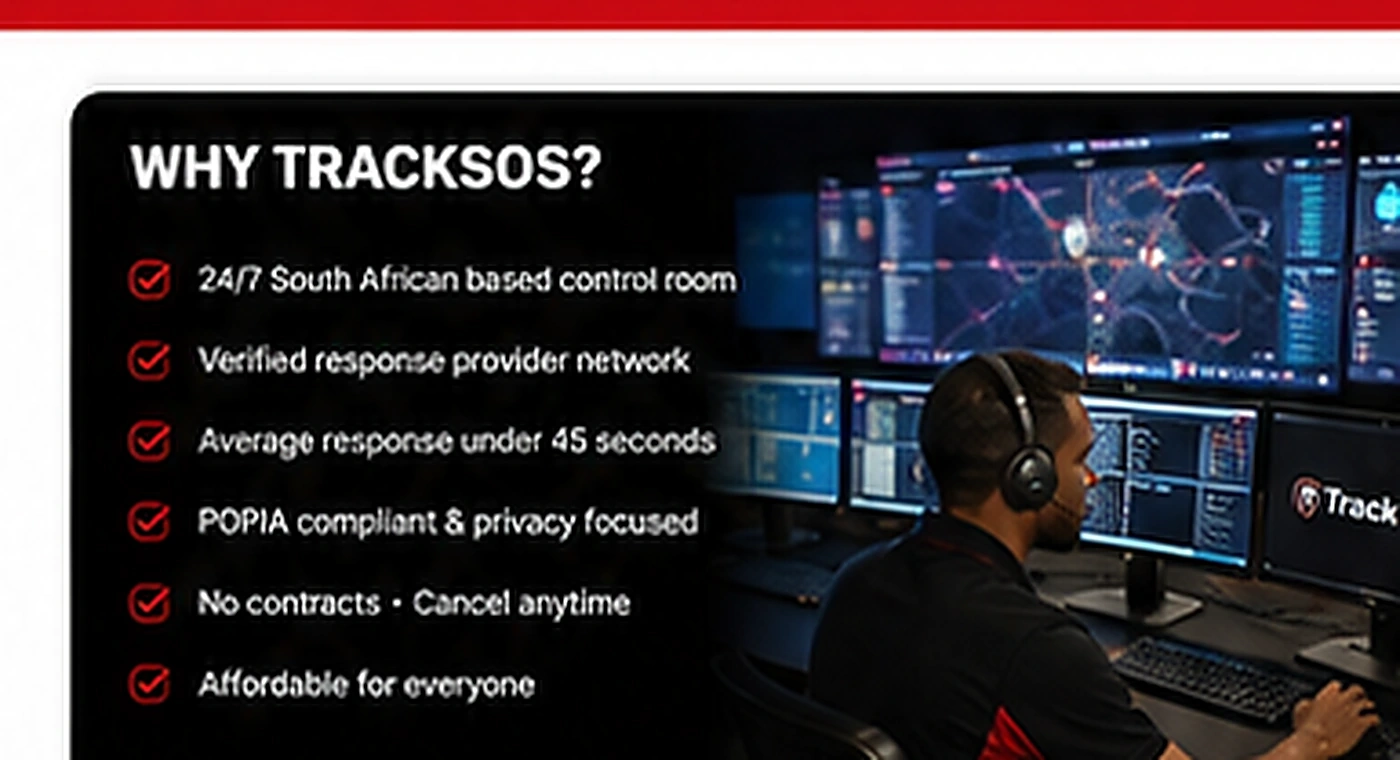
Control-room coordination
Why the workflow stays organised
Human reviewOperators can interpret alerts, confirm details and prioritise actions.
Dispatch visibilityProvider allocation, route awareness and progress updates stay visible.
Better communicationMembers and support teams have a clearer view of what is happening.
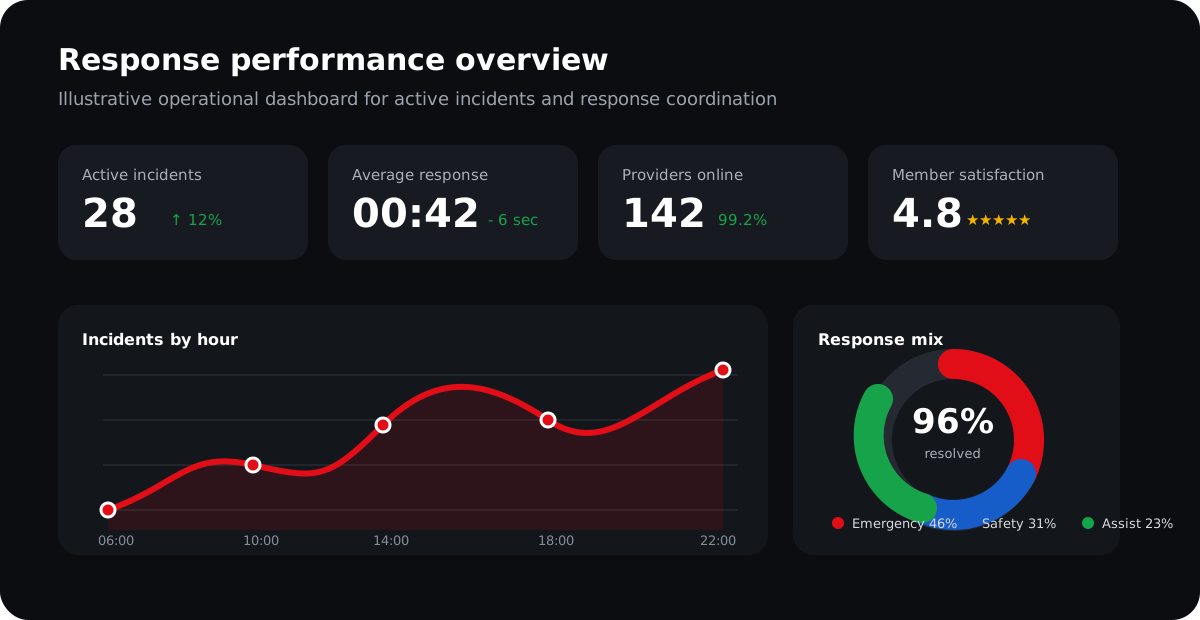
Response analytics view
Use charts and system metrics to show how TrackSOS can support faster decision making and clearer status handling.
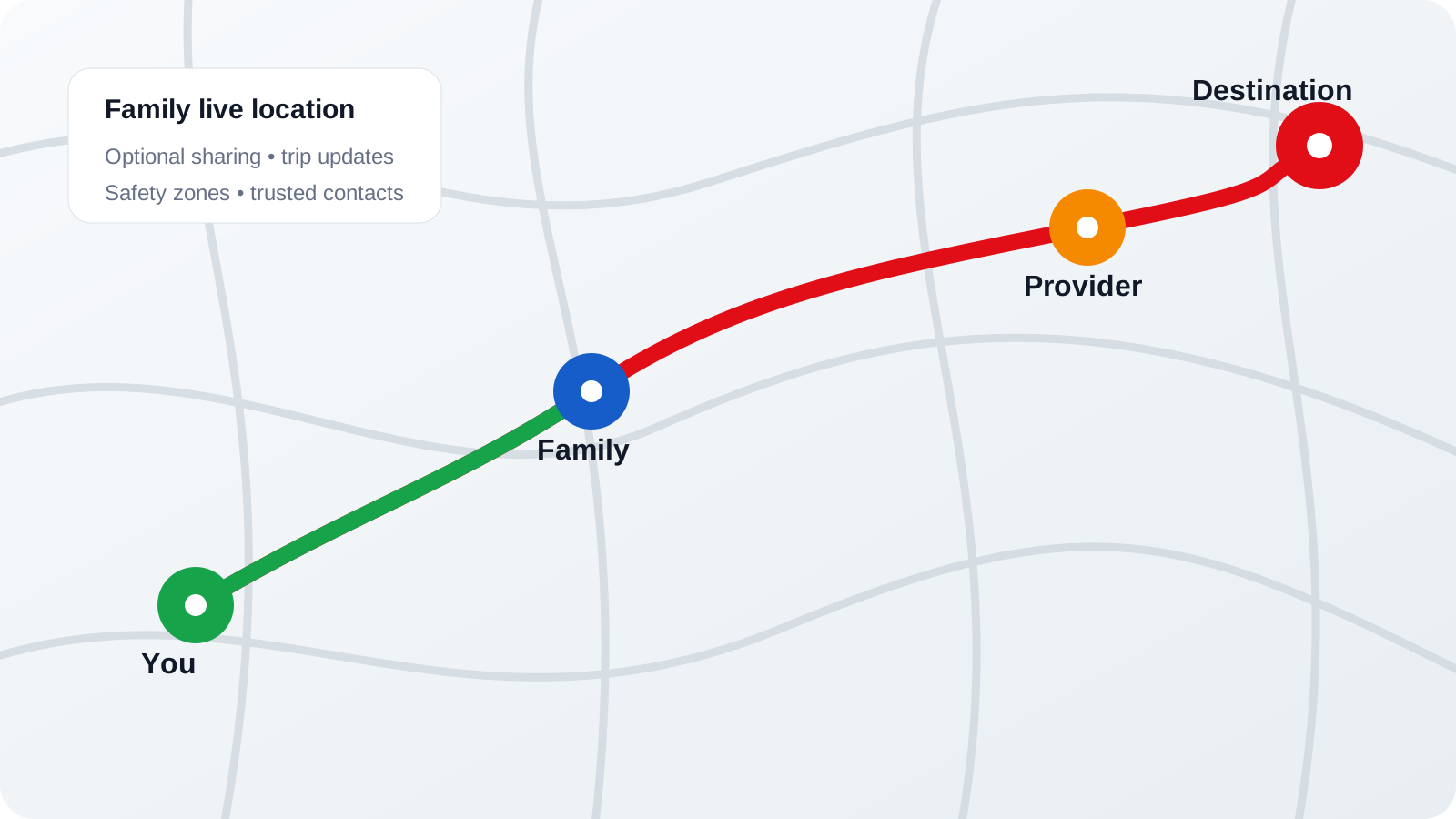
Live route and location context
Location information becomes far more useful when it is combined with status, contact and response details.
The complete response journey
What happens before, during and after an alert
Explore each stage in detail, including location verification, communication, information sharing, dispatch, live tracking and incident closure.
Create your account in minutes. Choose a plan that fits your needs.
Add personal details, vehicles, medical info and contacts.
Invite trusted contacts who will be notified.
Pair your TrackSOS device or app.
Press panic or request assistance.
Our team verifies and dispatches help.
Responders arrive and you are supported.
Control Room in Action
1. VerifyWe receive your alert and verify identity and location.
2. AssessOperators assess the situation and your profile.
3. DispatchWe dispatch the nearest qualified provider.
4. TrackWe track the response and keep you informed.
5. UpdateYou receive updates until the situation is resolved.
Before, during and after
A coordinated response with clear information at each step
Every stage has a purpose: prepare useful profile information, verify the live alert, coordinate help and close the incident with a record.
01
Prepare
Add emergency contacts, vehicles, medical information and location permissions before you need them.
- Profile readiness
- Trusted contacts
- Device pairing
02
Trigger
Press SOS or start the relevant safety service so the correct information can be shared.
- Live location
- Alert category
- Contact options
03
Verify
The control room checks the alert, reaches the member and assesses urgency and response needs.
- Two-way contact
- Location verification
- Priority assessment
04
Respond
The appropriate available provider or service can be coordinated and tracked through status updates.
- Provider matching
- ETA updates
- Route tracking
05
Close and follow up
Incident notes, feedback and outcomes create a useful record after the immediate situation is resolved.
- Incident summary
- Member feedback
- Quality review
What Happens After an Alert?
- You trigger an alert via device or app
- We locate you within seconds
- We contact you through all available channels
- We notify your emergency contacts
- We dispatch the right help
- We stay with you until safe
What Information Is Shared?
- Your real-time location
- Your medical profile, if any
- Your emergency contacts
- Nature of the alert
- Relevant responder notes
We only share what's necessary to get you the right help.
Live Tracking & Communication
- Real-time location on map
- Two-way voice with control room
- Secure in-app messaging
- Live updates to contacts
- Track responder on the way
You're in control, connected and informed.
Follow-Up & Incident Closure
- We confirm you're safe
- Incident details are recorded
- Medical or service report captured
- Follow-up call if needed
- Incident summary by email
We learn and improve so we can protect you better.
Live Location Overview
Current LocationSandton, Johannesburg
Accuracy± 6 m
Last UpdateJust now
SignalStrong
Alert Status Timeline
- 12:11:03Alert Triggered
Panic button pressed - 12:11:05Locating You
Fetching GPS location - 12:11:08Alert Received
Operator notified - 12:11:20Responders Dispatched
Ambulance en route - 12:17:34Help Arrived
Incident in progress
Alert Type
MedicalSafety ThreatRoadside Assist
Estimated Response Time
< 12 minNearest responder is 4.2 km away.
Who You Notify
LJA+2
Everyone Plays a Role in Your Safety

YOU (MEMBER)
- Stay prepared and update your profile
- Carry your device charged
- Use panic when needed
- Stay connected with loved ones
TRACKSOS CONTROL ROOM
- Available 24/7/365
- Trained, compassionate operators
- Fast verification and decisions
- Coordinating the right help
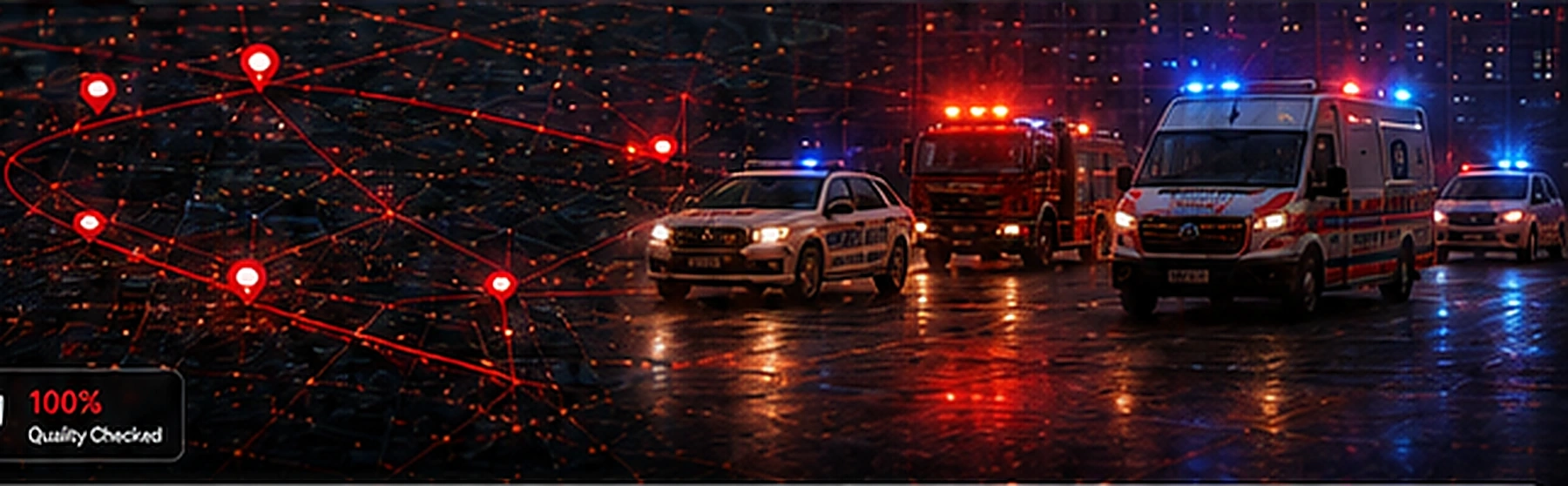
TRUSTED SERVICE PROVIDERS
- Vetted and certified professionals
- Strategically located
- Medical, security and roadside
- Committed to your safety
Need more detail?
Move from understanding the workflow to exploring the tools
The Features page explains the tools themselves, while this page focuses on the journey from start to finish.